


सूक्ष्म, लघु और मध्यम उद्यम पंजीकरण
UDYAM / MSME ONLINE PORTAL - PRIVATE






Power off the phone. Hold the Volume Down button (or both volume buttons) while connecting it to your PC via USB to trigger the connection. Factory Reset On Tecno POP 5P Tecno BD3 Hard Reset Factory Reset On Tecno POP 5P Tecno BD3 Hard Reset YouTube·Albastuz3d
For mobile technicians and DIY enthusiasts, the is a critical tool for managing the Tecno Pop 5P (BD3) . This device, powered by the MediaTek MT6580 chipset, often requires a specific Download Agent (DA) file to perform advanced operations like flashing firmware, bypassing FRP (Factory Reset Protection), or repairing secure boot errors. Understanding the Tecno BD3 DA File tecno bd3 da file verified
For the Tecno BD3, you often need a "signed" or "factory" DA file to bypass the authentication requirement. Power off the phone
 Fill Application Form Above
 Make Online Payment
 Get Call OTP Verification
  Receive Confirmation Mail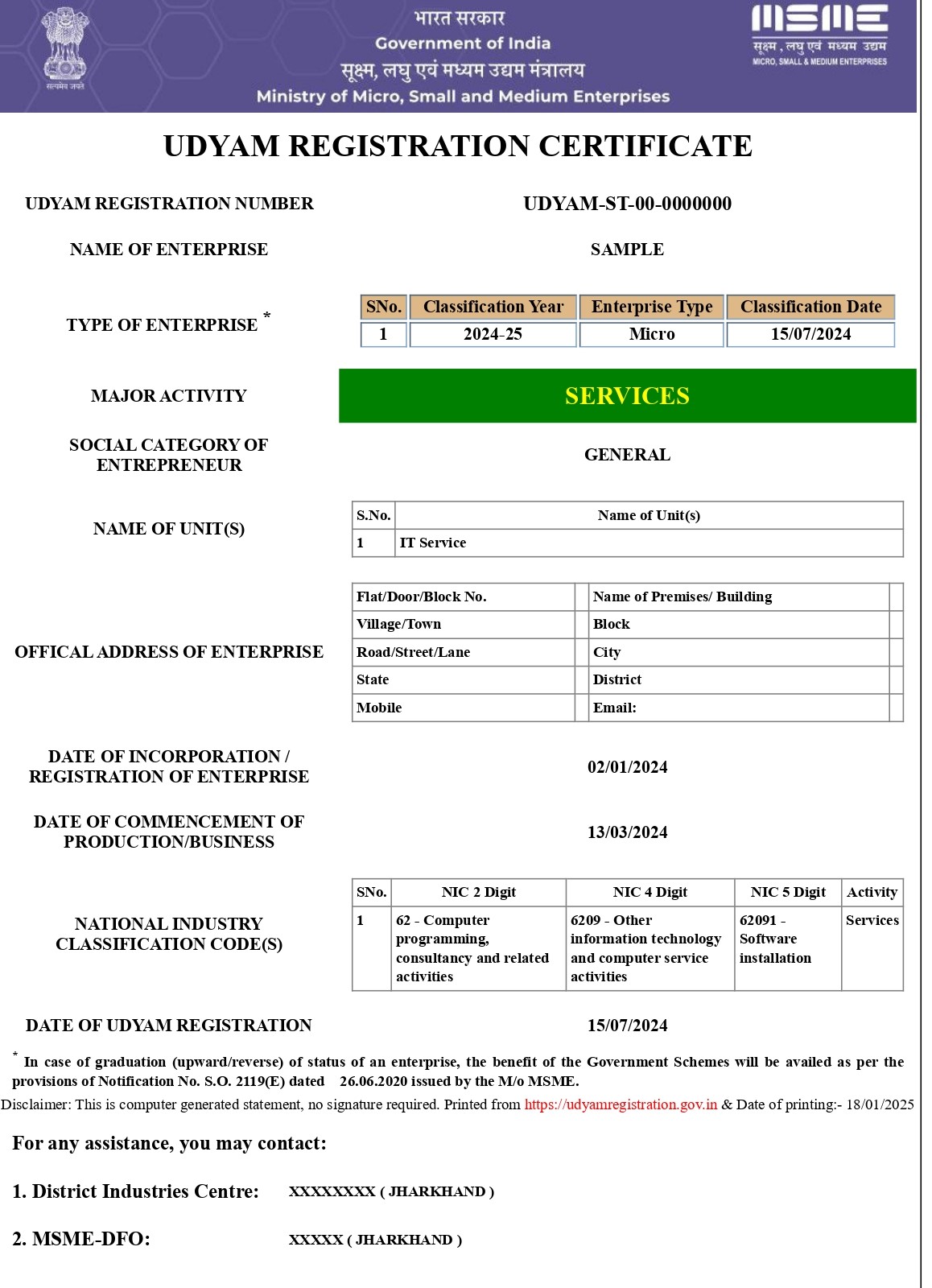
Ricky Manchanda, from Haryana
Recently Applied For UDYAM Certificate